Facebook Video Downloader
Download Facebook videos in high quality 1080p, 2K, 4K completely free
ClipSave - High-Quality Facebook Video Downloader
ClipSave is a tool that helps you quickly download high-quality videos from Facebook directly on your web browser. Simply paste the Facebook video link, and the system will automatically process and provide a download link so you can save the video to your phone, computer, or tablet in seconds
ClipSave.app supports multiple video quality choices such as HD, 1080p, 2K, and even 4K, helping you preserve the sharpness of the original content. Videos are downloaded in the popular MP4 format, making it easy to watch back or store on any device
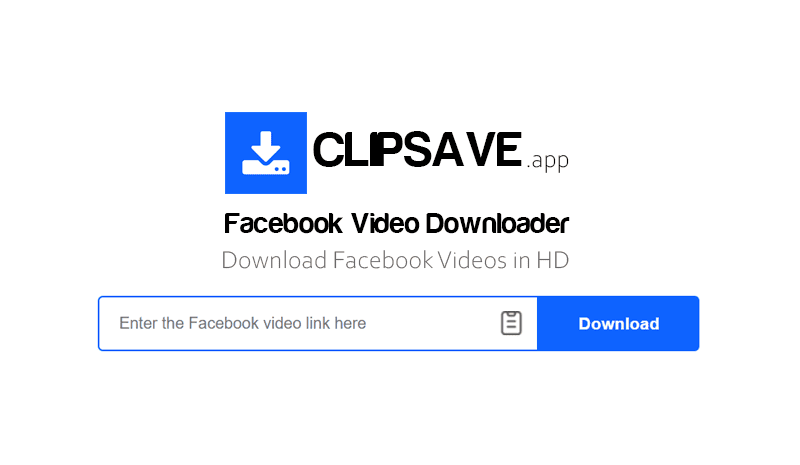
How to download Facebook videos using ClipSave:
- Step 1: Open the Facebook app or access Facebook.com on your browser, then find the video you want to download. Tap the Share button and select Copy link to get the video URL
- Step 2: Go to the ClipSave.app website, paste the copied Facebook link into the input box, and press the Download button to start processing
- Step 3: After a few seconds, the system will display the download options. Select your desired format, such as MP4 or MP3, then press the Download button to save the file to your phone or computer
Why should you choose ClipSave.app to download Facebook videos?
ClipSave was developed to deliver a fast, stable, and easy-to-use Facebook video downloading experience across all devices. The tool works directly within your browser, helping you save high-quality Facebook videos without installing software or logging into an account
- Works smoothly on mobile phones and computers: Whether you use Android, iPhone, Windows, or macOS, ClipSave runs stably on popular browsers like Chrome, Safari, or Edge without any additional app installations
- Preserve the original video quality: The tool always prioritizes processing and providing the highest quality video version, supporting multiple resolutions such as HD, Full HD, 2K, or 4K when available
- Fast and stable processing: ClipSave is optimized to reduce link processing times, helping you download Facebook videos in just a few seconds with a smooth and stable experience
- No account login required: You can use the tool without logging into a Facebook account or providing personal information. ClipSave always aims for a safe and private experience on all platforms
- No software installation required: All operations are performed directly on your web browser, saving device storage and reducing potential risks from third-party applications
- Continuously improving the experience: ClipSave is frequently optimized to ensure stable operation and compatibility with new changes from the Facebook platform, bringing a faster and more convenient video downloading experience to users
With a simple interface, fast processing speed, and compatibility across all devices, ClipSave is a safe and convenient choice to save and watch high-quality Facebook videos at any time
ClipSave is an independent tool, not affiliated with Facebook or Meta. Downloaded content should only be used for personal purposes, and users are solely responsible for complying with copyright regulations when using the content